Overview
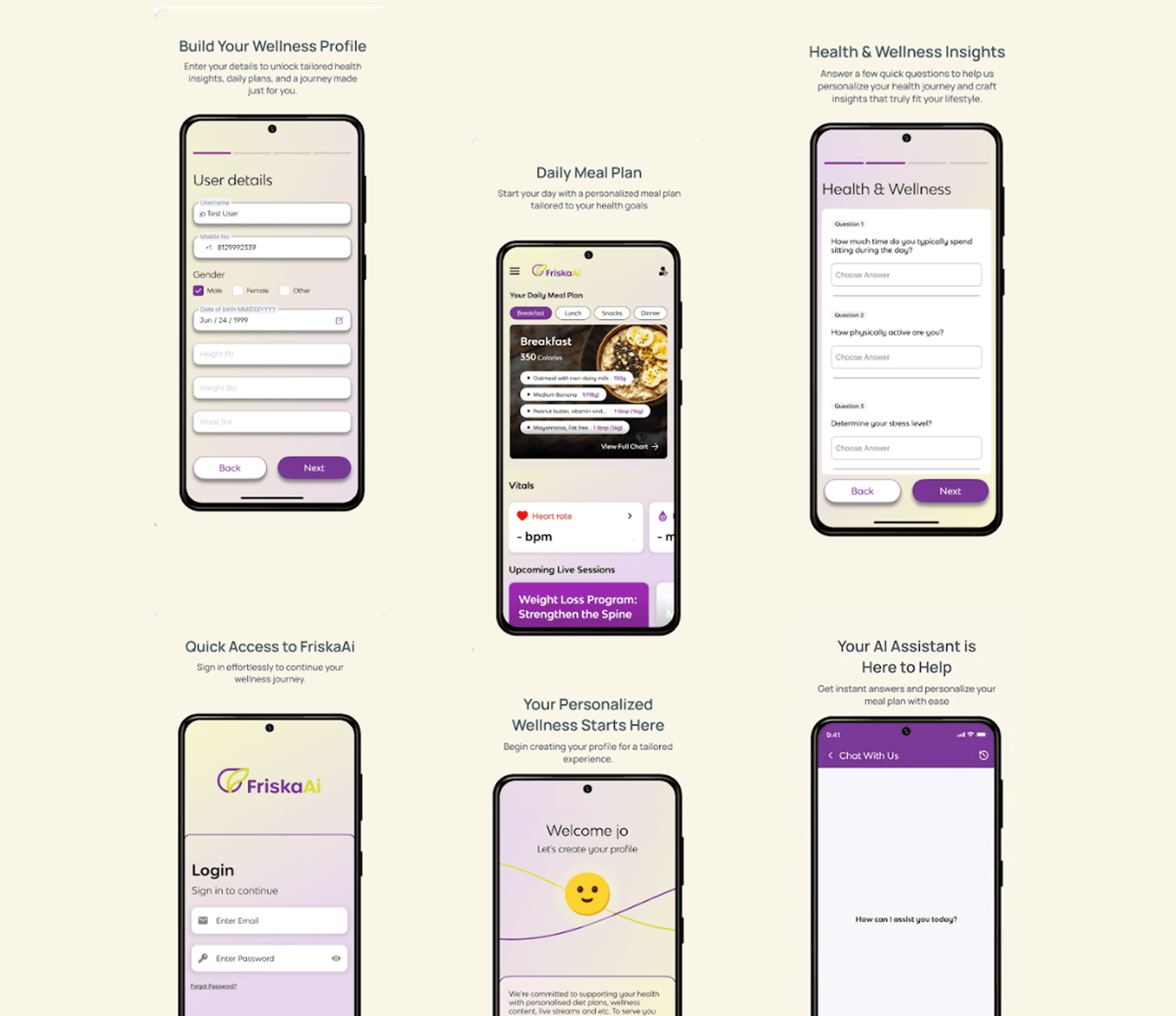
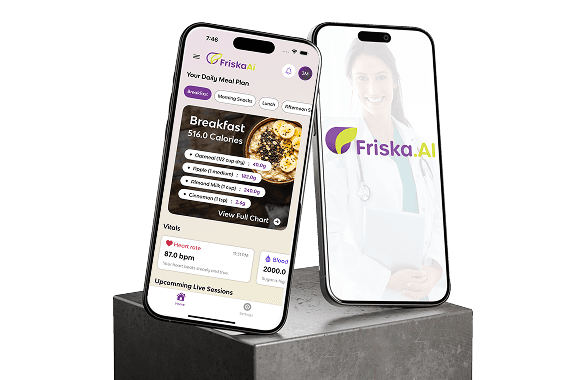
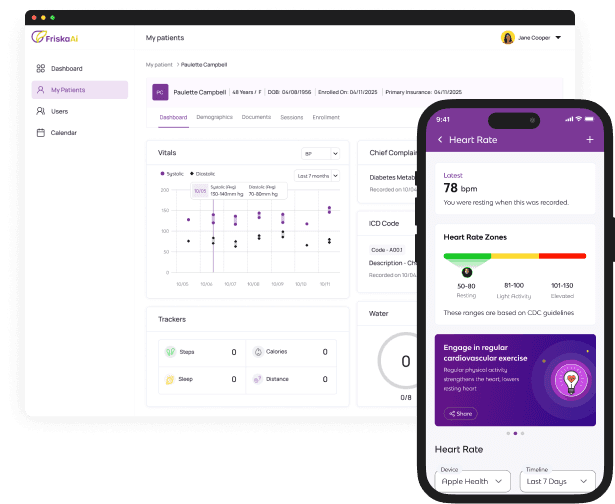
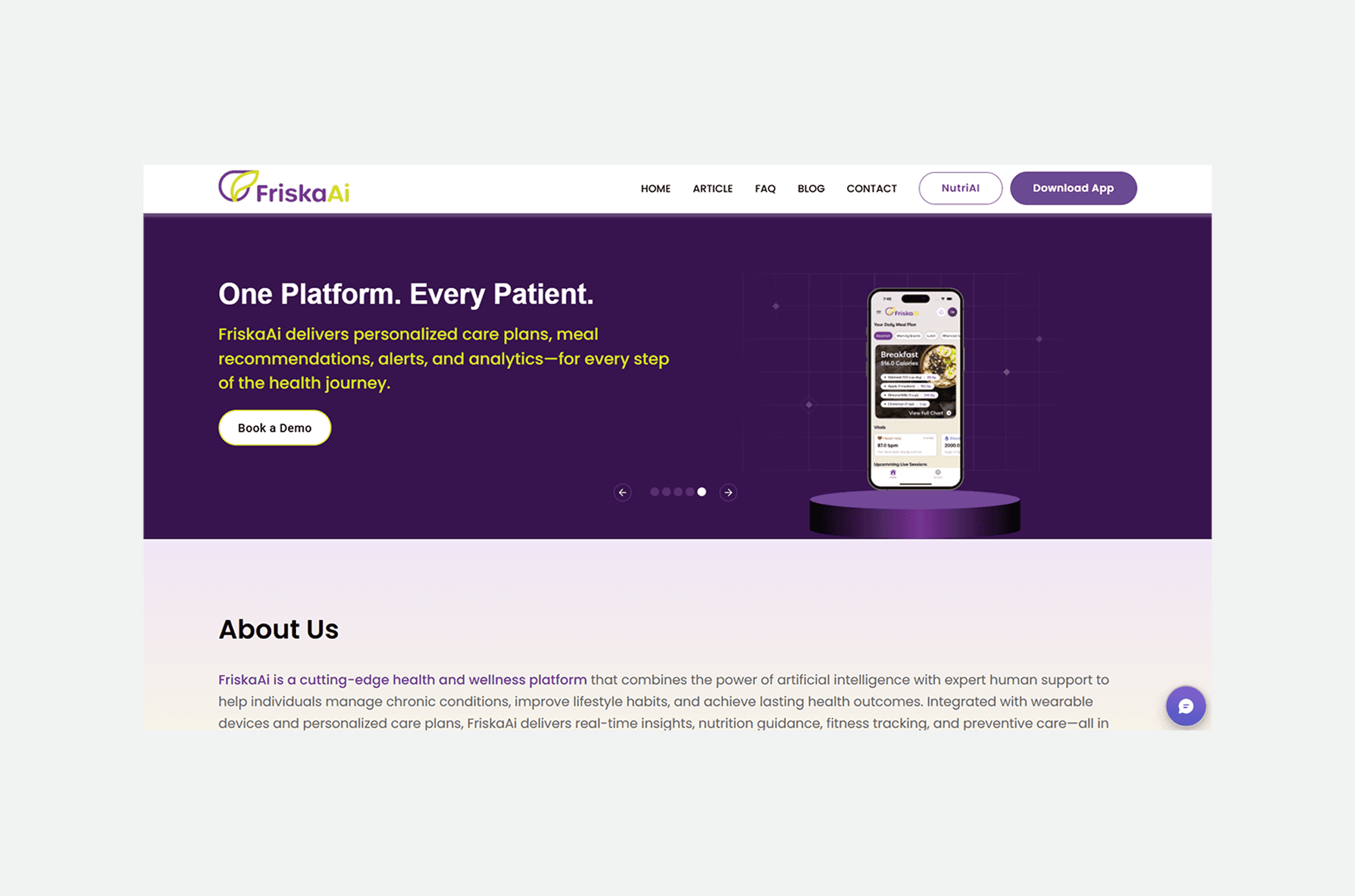
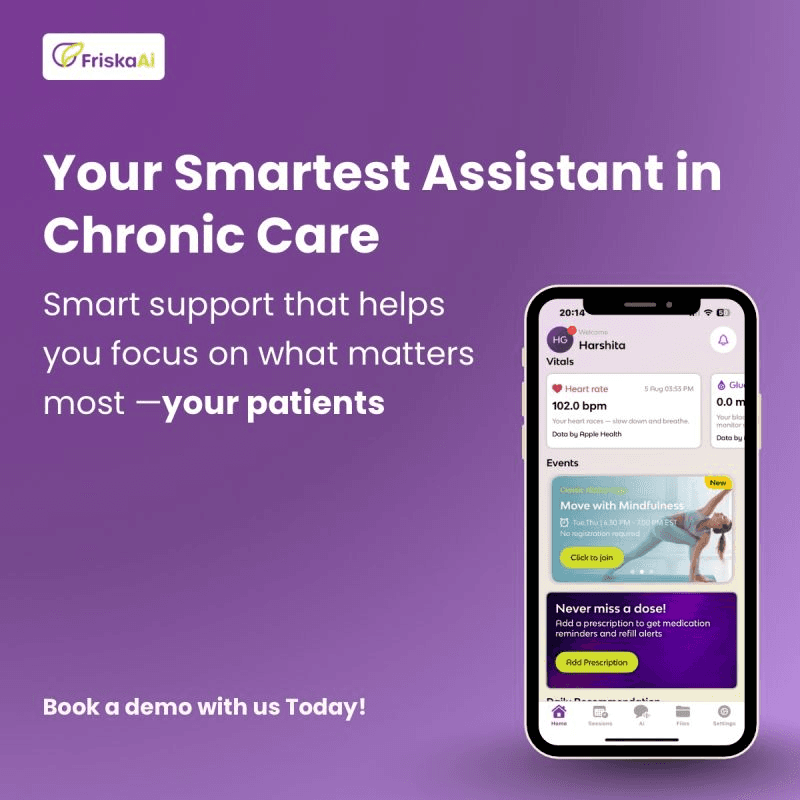
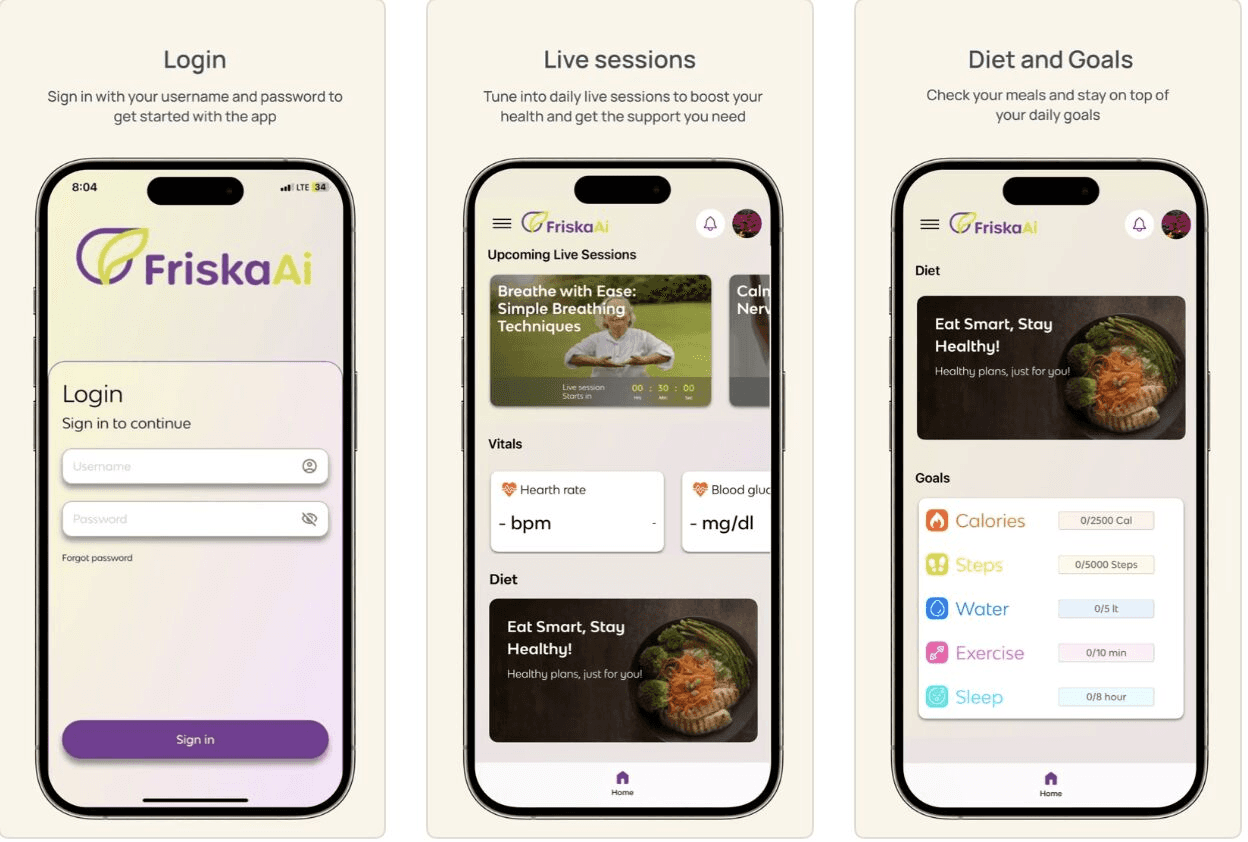
Friska AI is a healthcare mobile application designed to simplify patient onboarding and improve accessibility to digital health services. My role was to design the onboarding screens focus on UX and create an interactive prototype to demonstrate smooth user flows, intuitive interactions, and a friendly first-time user experience.
Design Goals
✅ Make onboarding quick & simple
✅ Communicate value clearly
✅ Use icons for guidance & recall
✅ Provide user control (skip option)
Tools Used
Figma - For UI/UX design, building reusable components, and interactive prototypes.
Illustrator - For crafting vector icons, illustrations, and custom visual elements.
FigJam - For brainstorming, mapping user flows, and wireframing ideas collaboratively.
Mockups & Prototyping - To present realistic app screens, test interactions, and validate the design before development.
Solution
To address the challenges of complex and overwhelming onboarding in healthcare apps, I designed a streamlined onboarding experience for Friska AI. The solution focused on:
User-Centered Flow – A step-by-step guided onboarding that reduced cognitive load and made the process less intimidating for first-time users.
Trust-Oriented Design – A soft, calming color palette, clear typography, and healthcare-themed illustrations to build credibility and comfort.
Minimal Input Strategy – Progressive data collection with only essential fields to avoid form fatigue.
Clear Data Privacy Communication – Dedicated permission screens to explain how health data is used, reinforcing trust.
Interactive Prototype – A functional prototype in Figma showcasing smooth transitions, micro-interactions, and the complete user journey for stakeholder validation.